CHARACTER CREATION
Character creation opens the first time you join a world, or when an admin asks you to choose again. It's a little grass stage in the dark with its own music. Your figure stands in the middle and the choices sit on a ring round its feet.
The pages
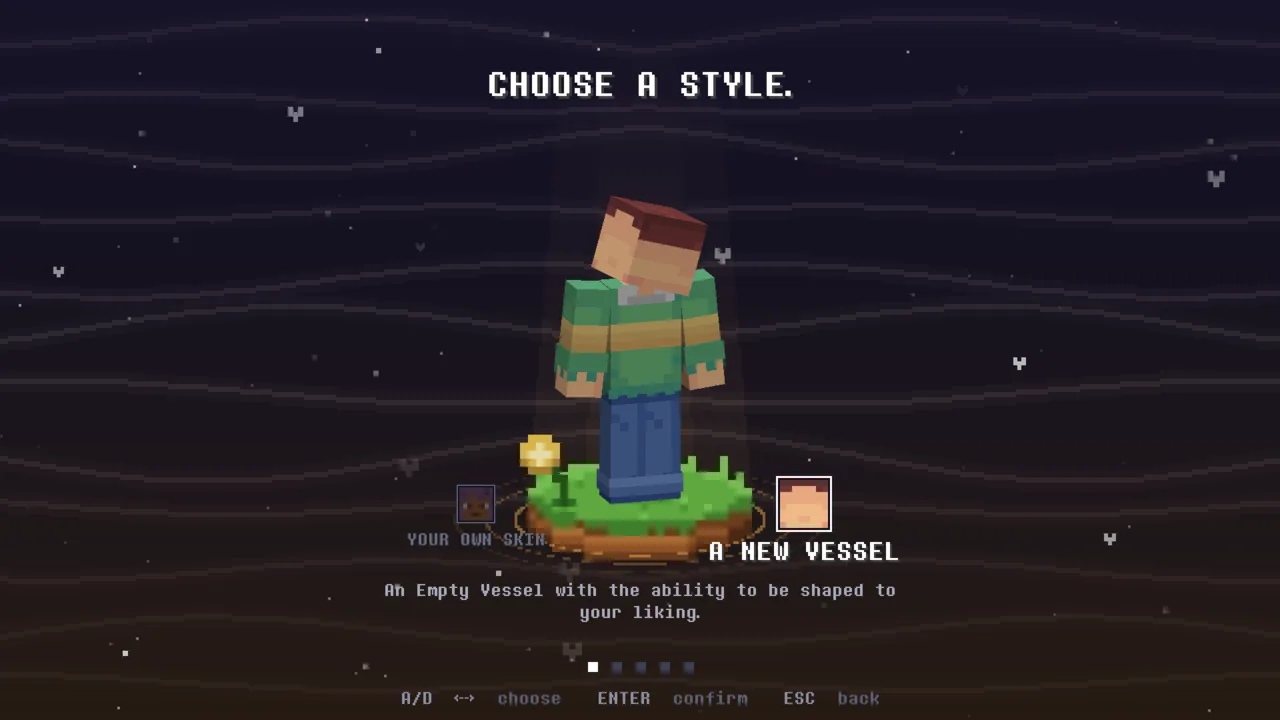
- Choose a style. Your Own Skin keeps your Minecraft skin; A New Vessel lets you shape a new body.
- The vessel (new vessel only): Build (broad or slim), Hair, Shirt, Pants and Size, each part with its own colour (hue and saturation, the hair from a palette or a colour picker). A part's choices stand on the ring as little 3D previews; an arrow points at the part on your figure.
- How tall are you? (your own skin only, where the server allows more than one size): the same size slider the vessel has.
- How do you see? (your own skin only): your skin's face shown big, to mark where your eyes are, so effects that light up a player's eyes land on the right pixels. Each eye is up to nine pixels; it starts with a guess, so most skins only need a confirm. A skin without eyes can say so. Change it later with Edit Eyes in Soulverse's settings.
- Human or Monster. Humans carry a SOUL, its quirks and its lives; Monsters walk without one, and by default have no lives to lose (a server can give them lives, and then Life-Steal).
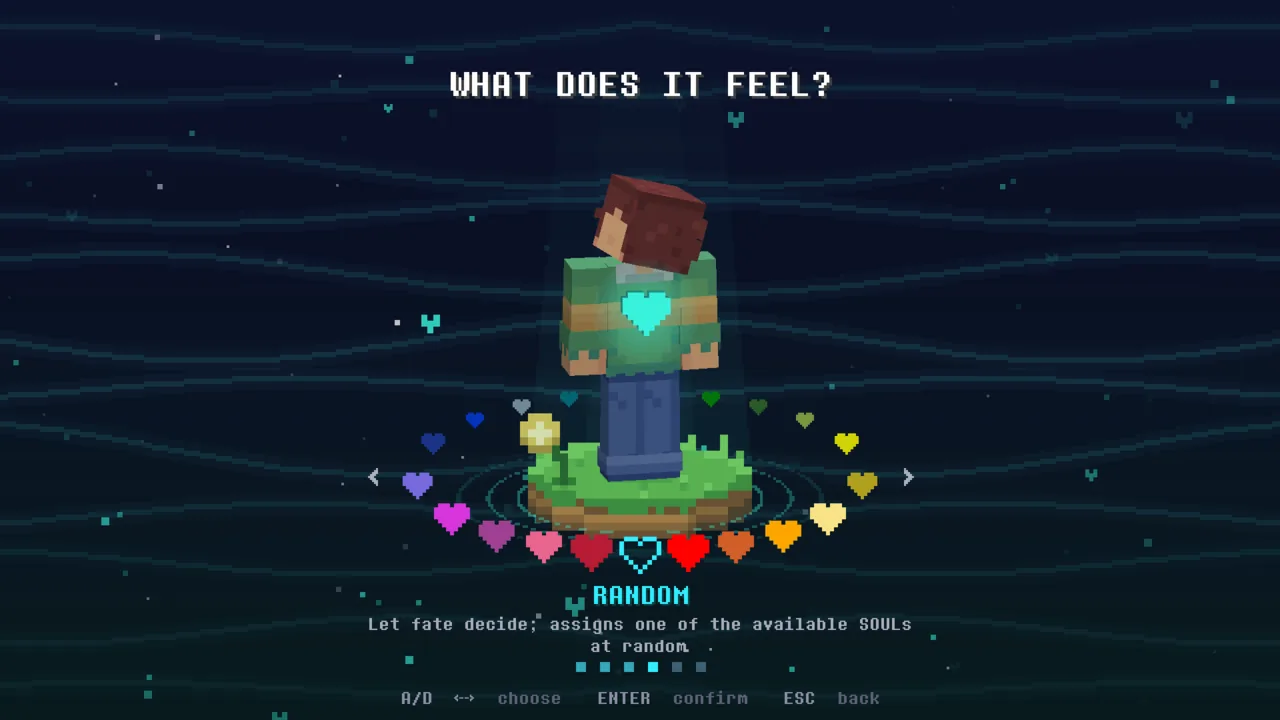
- Choose a SOUL (Humans): every SOUL is a heart on the ring. Turn it to meet them all; the highlighted one jumps up into your chest. Open a SOUL to see its page: its quirks round your feet, each with a live preview of what it really does, played by your own character.
- Name. Your name tag shows over your head as it will in the world, with your SOUL's heart. Some names get a reaction.
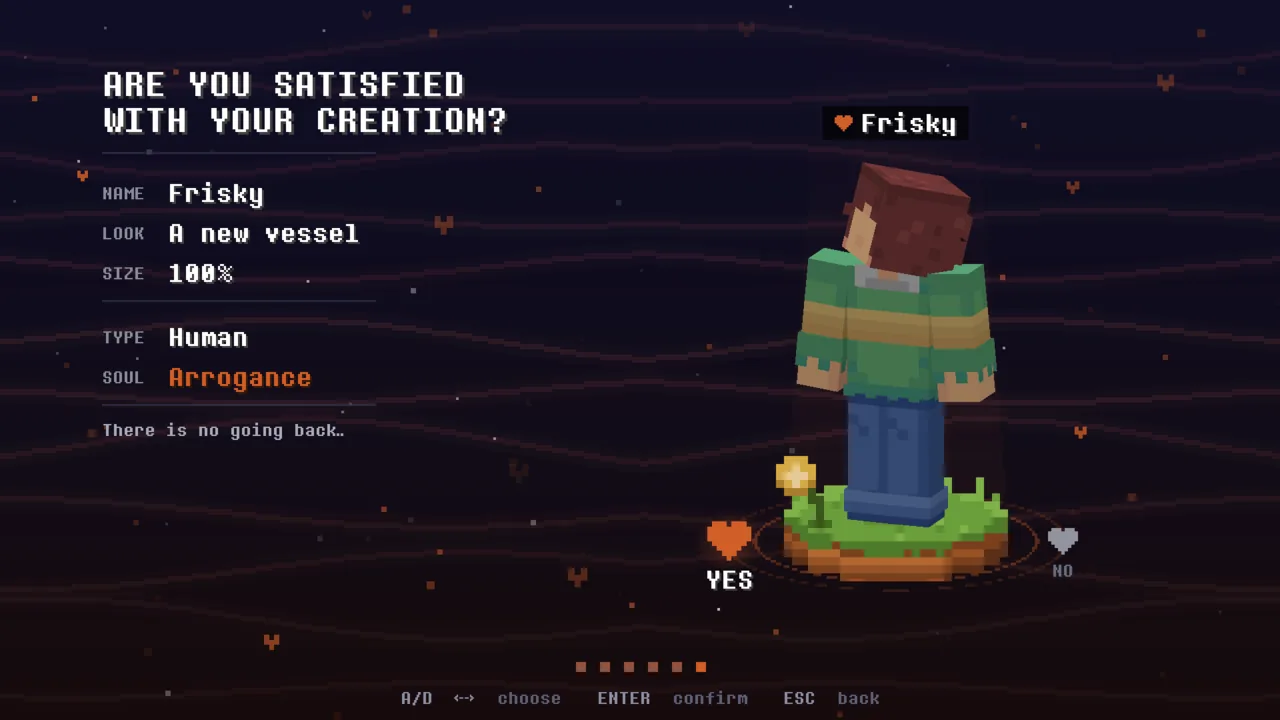
- Are you satisfied? One last look: your name, look, size, type and SOUL. YES and you begin.
Random and OG
- Random leaves your SOUL to fate. You also get Undetermined-Fate for it, which makes your waits shorter and your buffs last longer.
- The first player in a world to choose each SOUL by hand gets OG, quietly, as a quirk of its own.
The controls
| Key | What it does |
|---|---|
| A D / ← → | Turn the ring, pick a choice |
| W S / ↑ ↓ | Move through a list (the vessel's parts) |
| ENTER | Confirm (also the CONFIRM button at the bottom) |
| ESC | Back a page; on the first page it asks whether to return to the main menu |
| Drag | Turn your figure round |
With a controller (Controlify) the D-pad and stick move, A confirms, B goes back and the right stick turns your figure's head; names are typed with Soulverse's own on-screen keyboard.
What the server decides
On the SV menu's Server tab, under Character creation and Names (see Server settings):
- whether new players are taken to character creation on joining;
- whether Monsters, a Random SOUL and a new look are allowed;
- the smallest and largest size (90% to 110%);
- unique names, the shortest name allowed, and a profanity filter for names;
- which SOULs are enabled, unavailable, hidden or disabled (the SV menu's SOULs tab);
- whether OG is handed out.